 Video Guest Book
Every guest’s photos,
in one live album.
Guests scan a QR code and add photos from their phones. No app, no account. You get every angle of your event, as it happens.
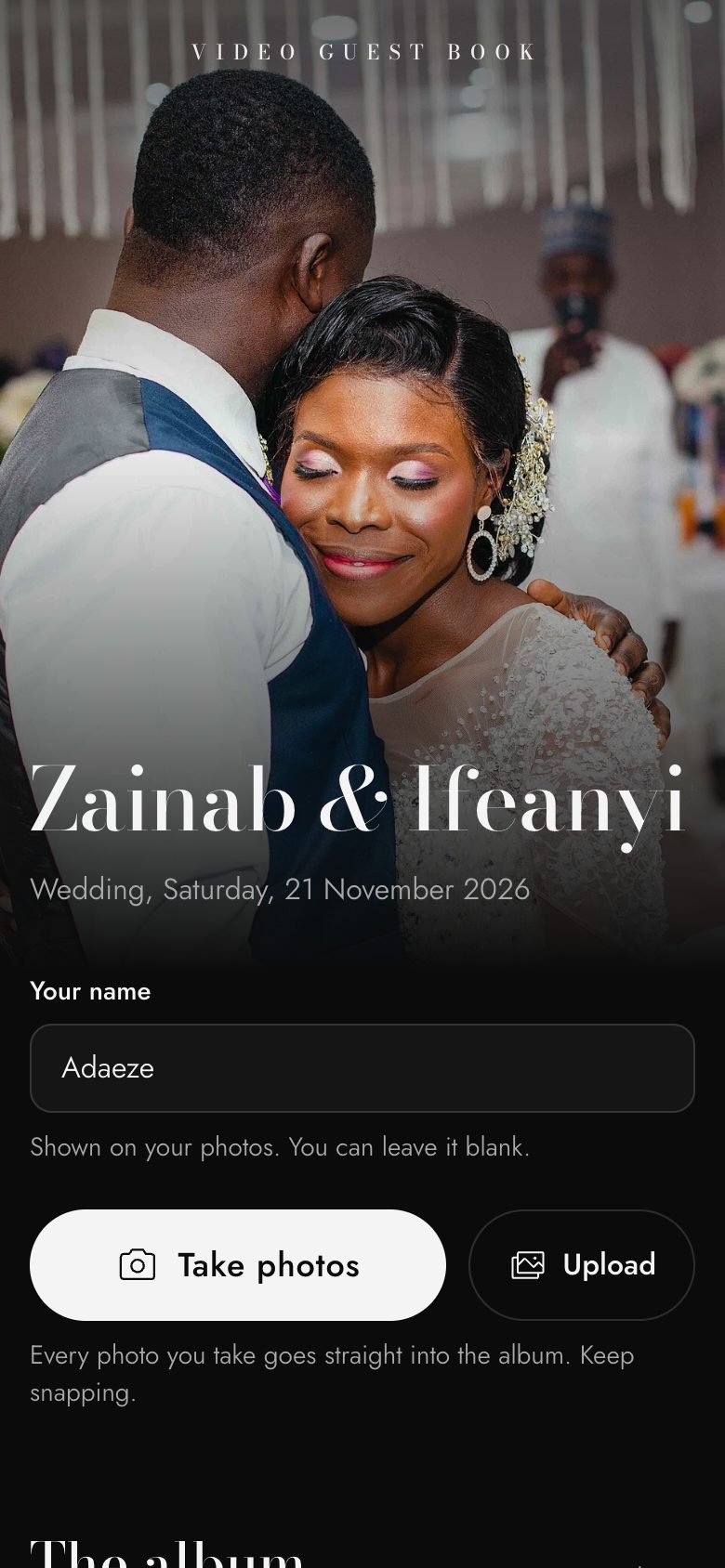
1Scan and open the album

2Snap away, every photo saves itself
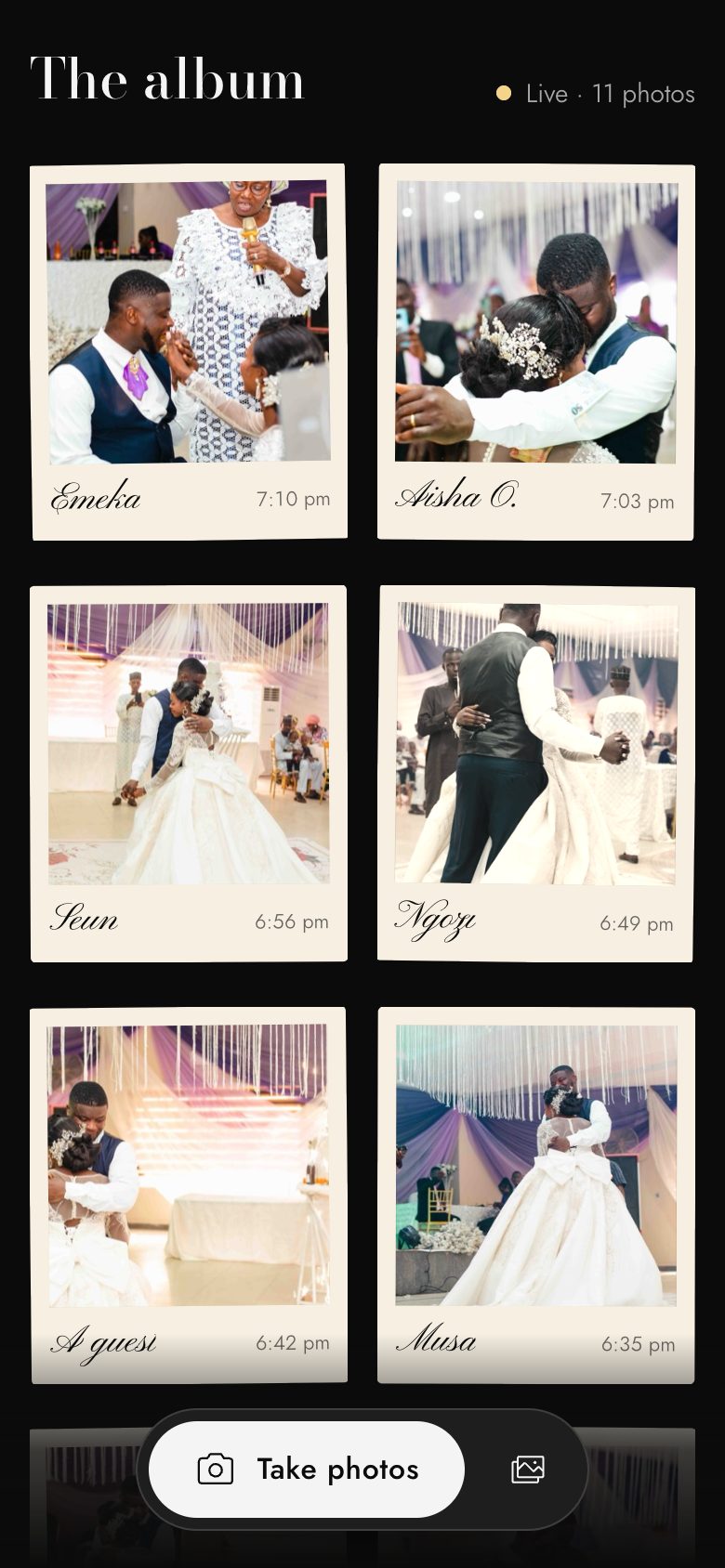
3Watch the album fill up
How it works
From table card to album
- 1
Put the QR code on your tables
We set up your event and give you a QR code and a link. Print it for the tables or drop the link in the WhatsApp group.
- 2
Guests scan and share
The album opens in their phone’s browser. They add a name if they want, then keep snapping. Every photo saves itself to the album, and there’s an upload button for photos already on their phone.
- 3
Everyone sees it come together
New photos appear in the album as they arrive. When the party’s over, you keep the lot.
At the venue
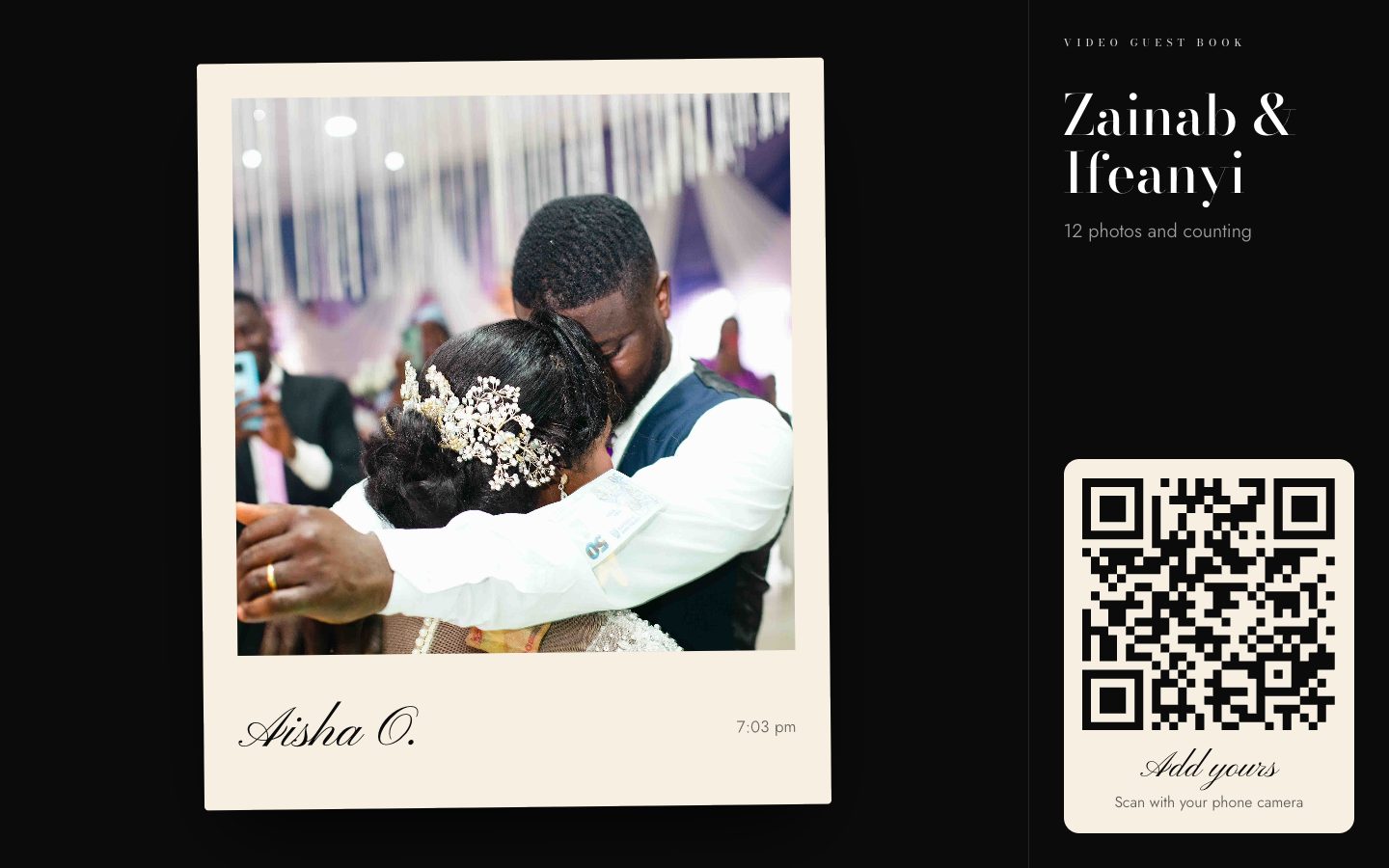
Put the party on the big screen
Show the album on any TV or projector. New photos jump the queue, and the QR code stays on screen so more guests join in.
An album code, if you want one
Open to anyone with the link, or locked behind a simple code.
Names on the photos
Guests can add a name, so you know who took what.
A vintage look
One tap gives a photo the feel of an instant print.
You stay in charge
Delete any photo, and close uploads when the night is over. Guests can only delete their own.
Made for busy venue Wi-Fi
Photos are shrunk on the phone first and retried if the signal drops.
One download
Save the whole album as a single ZIP file.
Your event
What every event gets
Tell us your date and roughly how many guests. We’ll send you a price and set everything up for you.
Ask for a price- Your QR code and album link
- A live album for all your guests
- Slideshow for the venue screen
- Optional album code
- Download everything as one ZIP
- Online for 90 days after your event
For planners and venues
Running several events? Talk to us about adding a live album to your clients’ packages.
Good to know
Do guests need an app or an account?
No. They scan the QR code and the album opens in their phone’s browser. Adding a name is optional.
Who can see the photos?
Only people with your link or QR code. Albums are not listed anywhere or shown on search engines, and you can add an album code too.
What if the venue’s network is poor?
Photos are made smaller on the phone before they go up, and uploads try again if the signal drops. Guests should keep the page open until their photos have gone up.
Can guests upload videos?
The album is for photos. For filmed messages from your guests, ask us about our video guest book.
How long do we keep the album?
It stays online for 90 days after your event. Download the ZIP any time before then.